Callsigns
Set a department's roster number range and how its callsigns are formatted.
The Callsigns tab sets the numbers members get on the roster and how those numbers are written as callsigns.
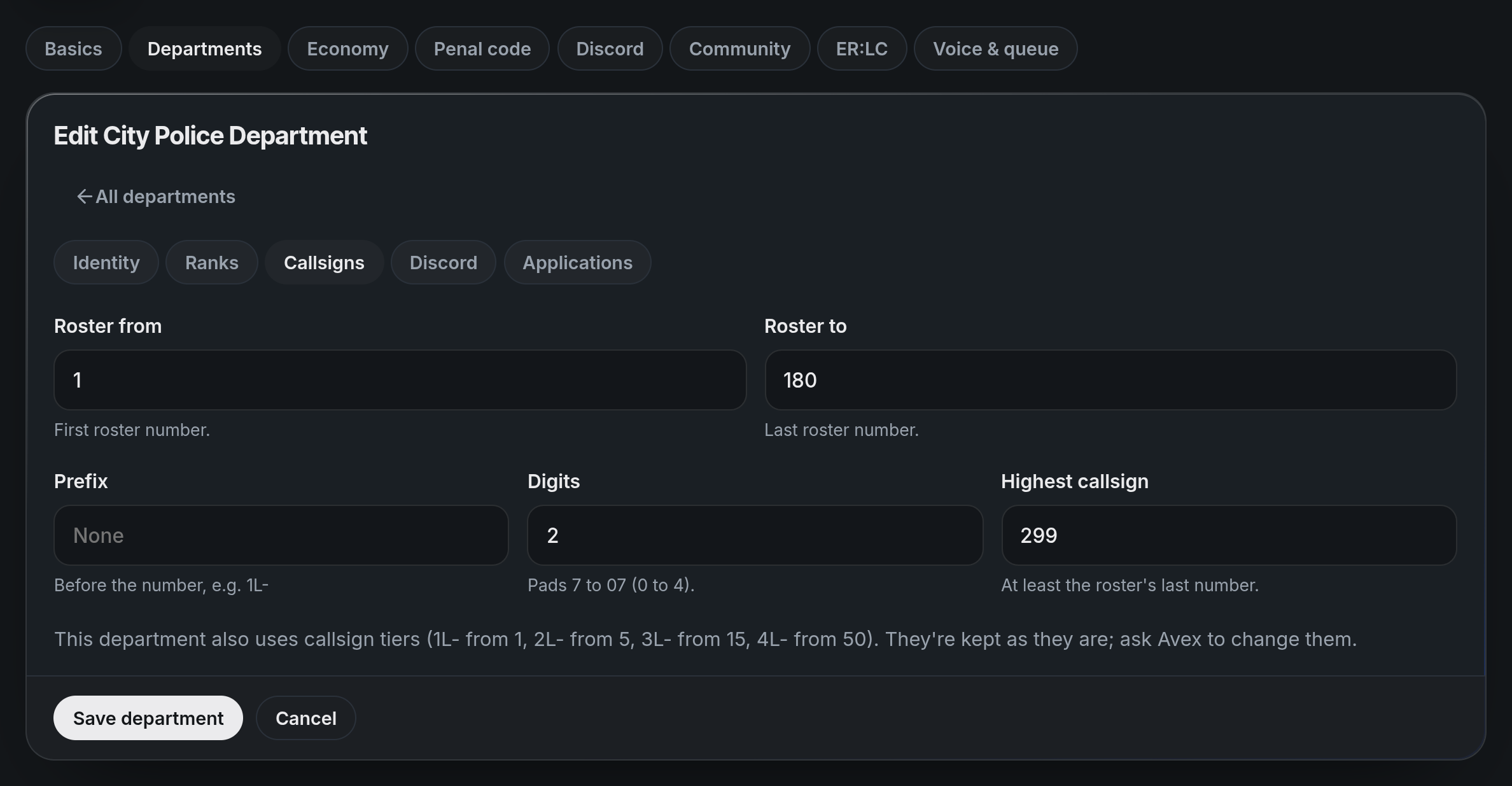
Fields
| Field | Description |
|---|---|
| Roster from | The first roster number in the department. |
| Roster to | The last roster number in the department. |
| Prefix | Text placed before the number, for example 1L-. Up to 8 characters. Leave empty for no prefix. |
| Digits | Pads numbers with leading zeros to this many digits, from 0 to 4. For example, 2 turns 7 into 07. |
| Highest callsign | The largest callsign number allowed. It must be at least the Roster to number. Leave empty for no limit. |
Example
A department with these settings:
| Roster from | Roster to | Prefix | Digits |
|---|---|---|---|
1 | 150 | 1L- | 3 |
Gives callsigns from 1L-001 to 1L-150.
Callsign tiers
Some departments use callsign tiers, where the prefix changes with the number, such as 1L- from 1 and 2L- from 5. When a department has tiers, the tab lists them and keeps them as they are. Contact Avex to change tiers.
Select Save department when you are done.