ER:LC
Connect your ER:LC private server and set duty sync roles and the live feed.
The ER:LC tab connects the CAD to your ER:LC private server. The connection powers player lists, callsigns and in-game alerts on the CAD.
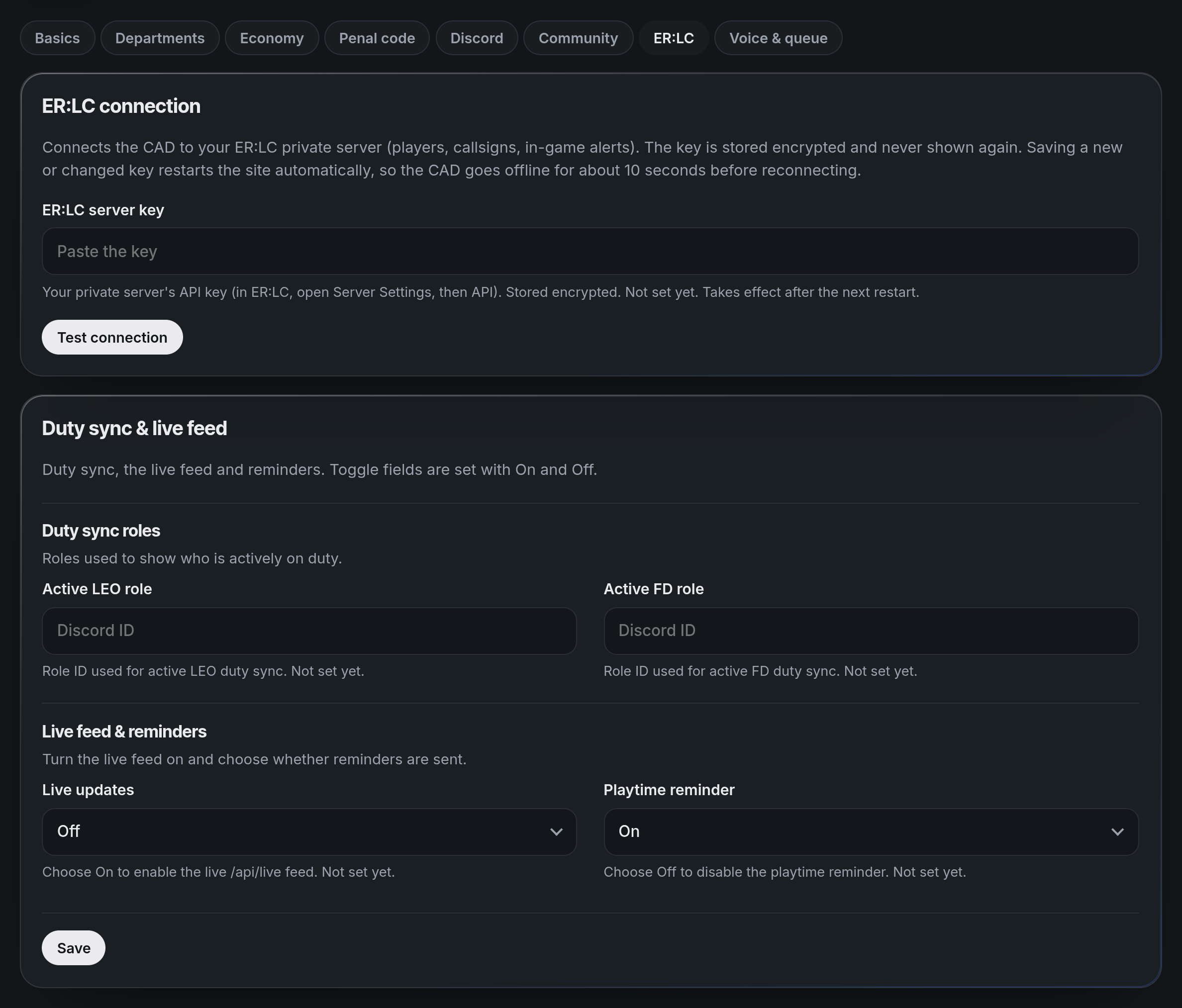
ER:LC Connection
Getting Your Server Key
In ER:LC, open your private server's Server Settings, then API, and copy the server key.
Keep your key private
Your server key gives control over your private server. Only paste it into this page, and never share it in Discord or screenshots.
Connecting
Paste the key
Paste the key into ER:LC server key.
Test the connection
Select Test connection. The CAD checks the key with ER:LC. If the key is wrong, a message explains the problem.
Save
After a successful test the button changes to Save. Select it to store the key.
The key is stored encrypted and is never shown again. Saving a new or changed key restarts the site automatically, so the CAD goes offline for about 10 seconds before reconnecting.
To replace the key later, paste the new one, test it and save. Leaving the field empty keeps the saved key. Use Remove to delete a key you saved.
Duty Sync and Live Feed
Duty Sync Roles
Roles used to show who is actively on duty.
| Field | Description |
|---|---|
| Active LEO role | A Discord role given to law enforcement members while they are on duty. |
| Active FD role | A Discord role given to fire and EMS members while they are on duty. |
Live Feed and Reminders
These settings use On and Off.
| Setting | Default | Description |
|---|---|---|
| Live updates | Off | Turns on the live feed of CAD activity. |
| Playtime reminder | On | Sends players a reminder about their playtime. Choose Off to stop it. |
Select Save to apply the duty sync and live feed settings.