Voice & Queue Configure proximity voice, the CAD voice sweep, queue role sync and Discord sync.
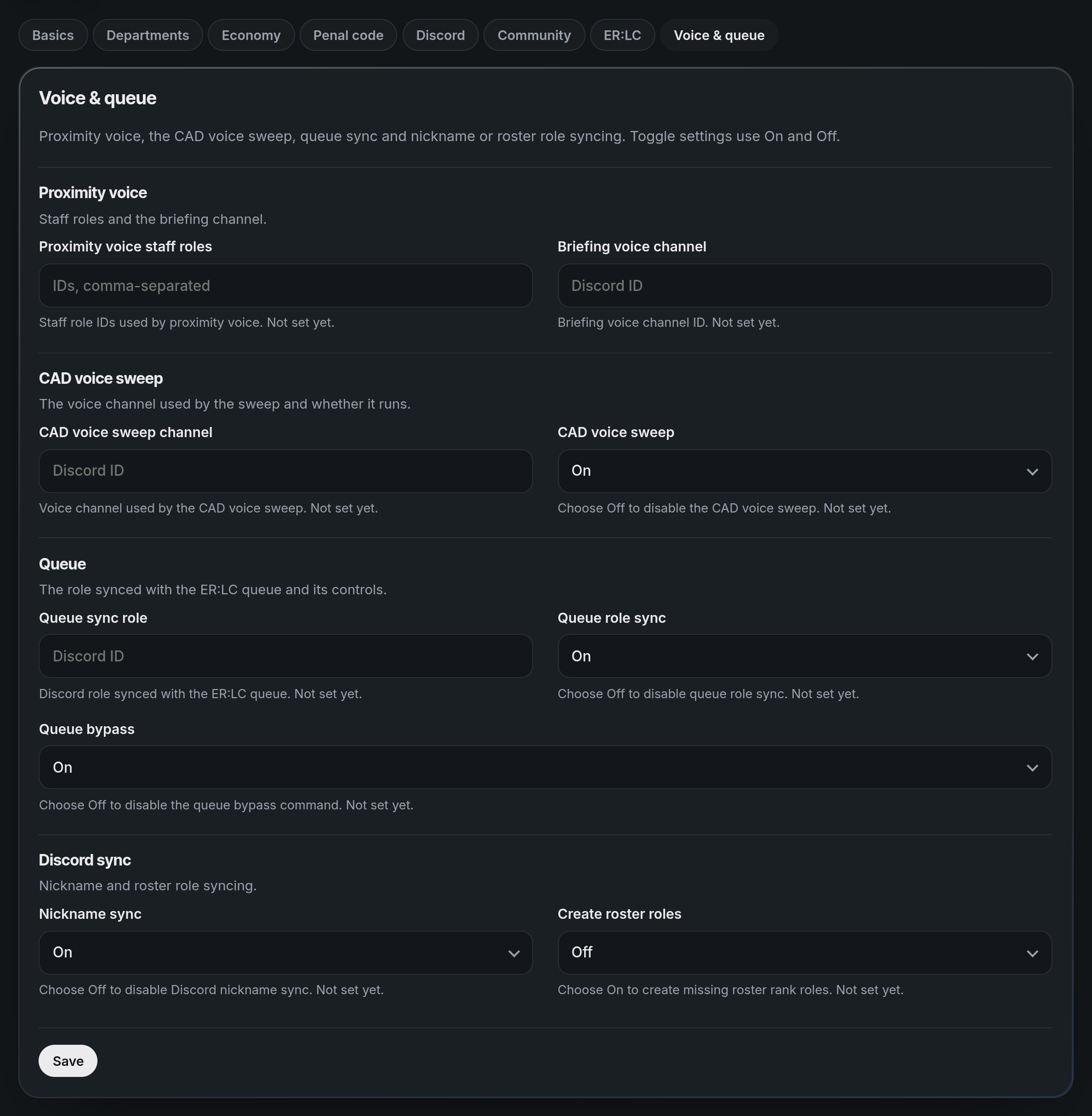
The Voice & queue tab covers proximity voice, the CAD voice sweep, ER:LC queue syncing and Discord nickname and role syncing. On/Off settings use a dropdown.
The Voice & queue tab. Field Description Proximity voice staff roles Role IDs for staff who manage proximity voice. Briefing voice channel The voice channel ID used for briefings.
Setting Default Description CAD voice sweep channel Not set The voice channel used by the CAD voice sweep. CAD voice sweep On Choose Off to stop the voice sweep.
Setting Default Description Queue sync role Not set A Discord role kept in sync with the ER:LC queue. Queue role sync On Choose Off to stop syncing the queue role. Queue bypass On Choose Off to turn off the queue bypass command.
Setting Default Description Nickname sync On Keeps members' Discord nicknames in sync with the CAD. Choose Off to stop it. Create roster roles Off Choose On to create Discord roles for roster ranks that do not have one yet.
Select Save . To return an On/Off setting you changed to the site default, select its Reset button.